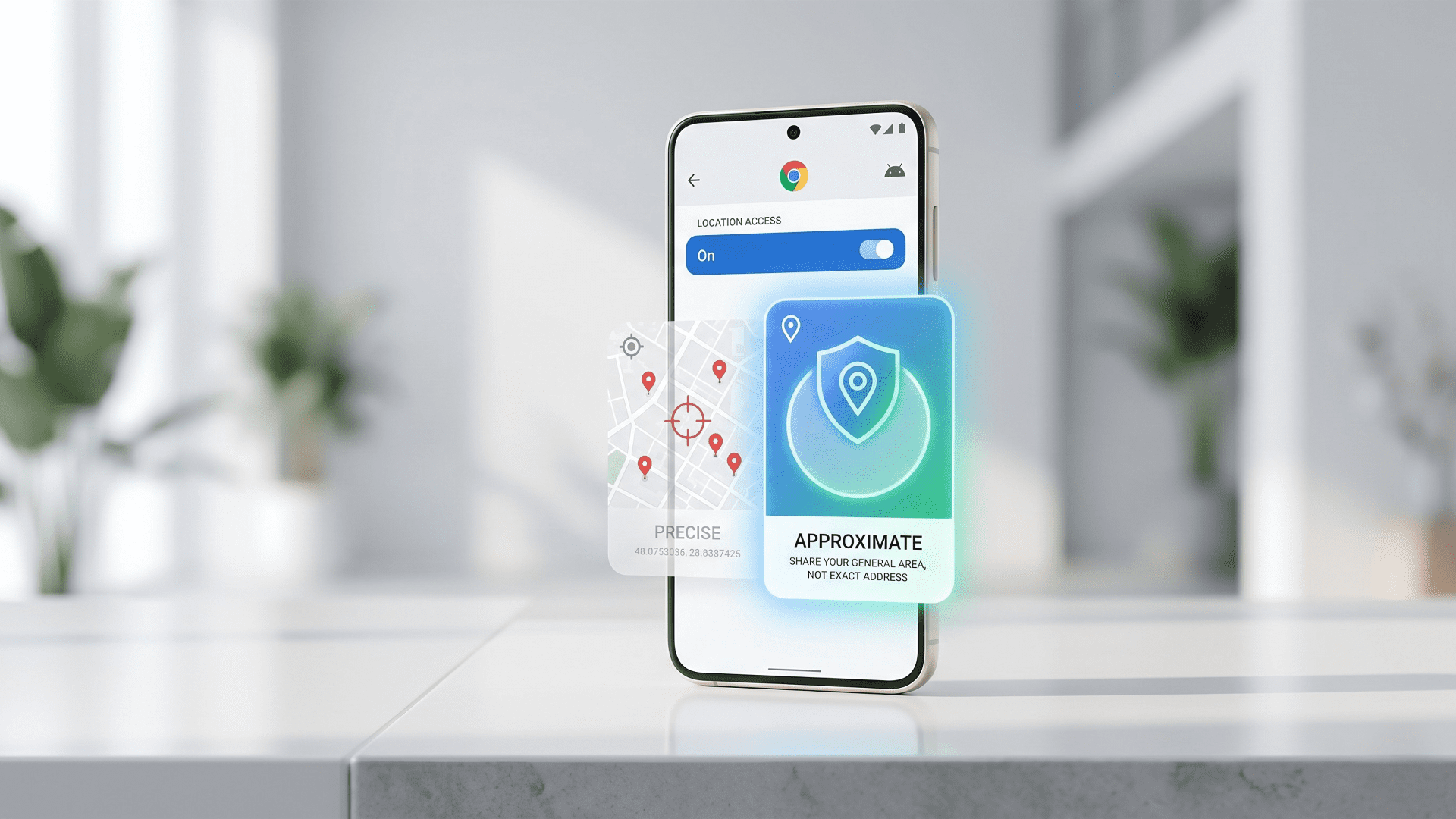
When you check the local weather or catch up on hometown news on your phone, does that website really need to know the exact street corner you are standing on? The answer is almost always no. In a significant win for digital privacy, Google has officially rolled out a highly requested update: Chrome on Android now allows users to share their “approximate” location instead of their exact, precise coordinates.
Here is what you need to know about this new privacy upgrade, including how it affects your browsing experience and its implications for the future of web development.
Precise vs. Approximate: What’s the Difference?
Until now, when a website asked for your location on Chrome for Android, it was typically an all-or-nothing deal. You either blocked the request completely or you handed over your precise GPS coordinates.
Google’s latest update introduces a much-needed middle ground. Now, you can choose the level of detail you want to share based on what you are actually trying to do:
- Approximate Location: Perfect for general browsing. If you want to check local weather forecasts, read regional news, or find out when the sun sets, sharing your general location is more than enough.
- Precise Location: Still available for when you actually need it. If you are placing a food delivery order, calling a ride-share, or trying to find the nearest Bitcoin ATM, you can grant the site access to your exact pinpointed location so you don’t lose crucial functionality.
By defaulting to or offering an approximate location, Google is giving users granular control over their personal data, something that privacy advocates and tech enthusiasts have been demanding for years.
A Nudge for Web Developers
This update isn’t just about changing user settings; it is also shifting how websites are built. Alongside the consumer-facing update, Google is introducing new APIs for web developers.
These new tools allow developers to specifically request either an approximate location or a precise one. Google has actively encouraged the developer community to audit their location needs, urging them to only ask for a user’s precise location when it is absolutely strictly necessary for the site to function. For everything else, approximate location should become the new standard.
What’s Next for Chrome Users?
If you are an Android user, you can start taking advantage of this tiered location-sharing immediately. But what about everyone else?
According to Google, the approximate location feature will be expanding to desktop versions of Chrome in the coming months. However, there is no official timeline yet on when or if this specific feature will make its way to Chrome on iOS.
The Bottom Line for Blockrora Readers
In an era where personal data is constantly being harvested, monetized, and tracked, taking back control of your digital footprint is vital. For our privacy-conscious community, this update is a refreshing step in the right direction. It proves that the tech industry is slowly but surely recognizing that convenience does not have to come at the expense of privacy.
The next time your browser asks where you are, remember: you no longer have to give away your exact coordinates just to check if it’s going to rain.